
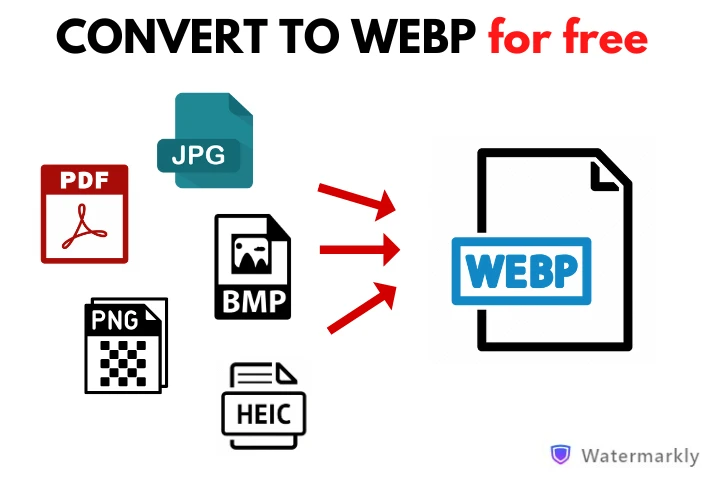
Image Converter – Convert to Multiple Formats
Upload your image and select from a wide variety of formats.
Drag and drop your Image here or browse
Supported format: .png
Frequently Asked Questions
What image formats can I convert to?
Our converter supports conversion to a wide variety of formats including JPEG, WEBP, ICO, SVG, GIF, BMP, TIFF, TGA, PSD, DDS, HDR, AVIF, CUR, and RGB. Note that some advanced formats may require specialized libraries for full conversion.
Is my data secure when using this converter?
Yes! All conversion happens directly in your browser. Your images are never uploaded to any server, ensuring complete privacy and security for your files.
What is the maximum file size I can convert?
There’s no strict file size limit, but very large files may take longer to process depending on your device’s capabilities. For optimal performance, we recommend converting images under 10MB.
Can I convert multiple images at once?
Currently, our converter processes one image at a time. After converting and downloading your first image, you can easily convert another by clicking “Convert another file”.
Why do some formats show as “simulated conversion”?
Some advanced image formats (like SVG, GIF, TGA, PSD, etc.) require specialized libraries or server-side processing for full conversion. Our tool provides simulated conversion for these formats to demonstrate functionality, but a complete implementation would require additional processing capabilities.
Does the converter preserve image quality?
For formats that support lossless compression (like PNG to BMP), quality is preserved. For lossy formats (like JPEG), there may be some quality reduction. We use the highest quality settings possible for all conversions to minimize any quality loss.
Is this tool completely free to use?
Yes, our image converter is completely free to use with no limitations, watermarks, or registration required. You can convert as many images as you need without any cost.