How to Compress Images Without Losing Quality
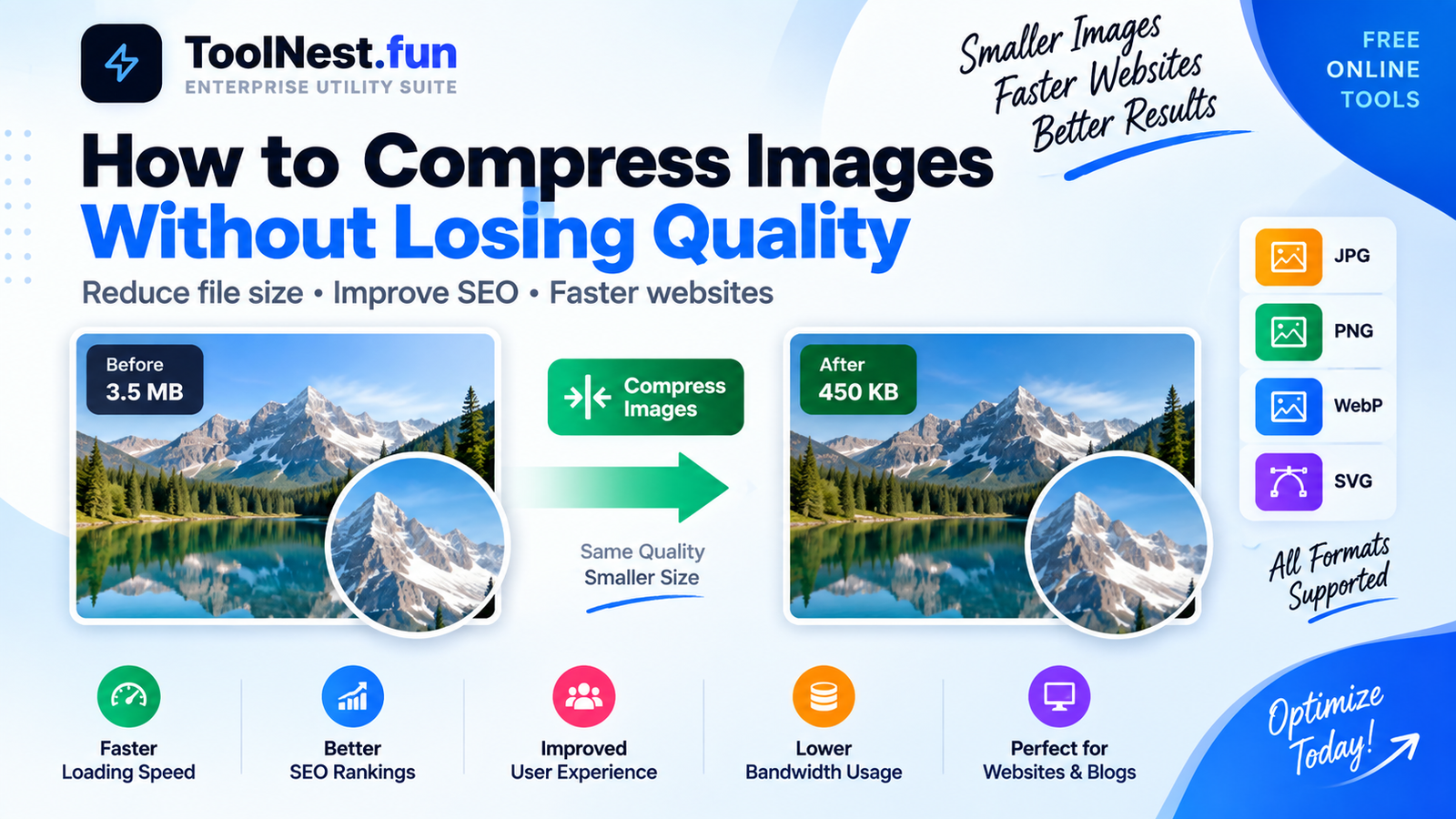
How to Compress Images Without Losing Quality
Image compression is one of the easiest ways to improve website speed without sacrificing visual quality.
Large image files slow down websites, increase bandwidth usage, and negatively affect user experience. Fortunately, modern image compression tools can significantly reduce file sizes while keeping images clear and professional.
In this guide, you'll learn how image compression works, why it matters, and how to compress images without noticeable quality loss.
What Is Image Compression?
Image compression is the process of reducing an image's file size while maintaining its visual appearance.
The goal is simple: make images smaller so they load faster while still looking sharp on desktops, tablets, and mobile devices.
Image compression is widely used by bloggers, web developers, online stores, photographers, and content creators.
Why Image Compression Is Important
Optimized images provide several benefits:
- Faster website loading times
- Better user experience
- Improved SEO performance
- Lower bandwidth usage
- Higher mobile performance scores
- Reduced storage requirements
Search engines like Google consider page speed as an important ranking factor, making image optimization a key part of technical SEO.
How to Compress Images Without Losing Quality
Follow these simple steps to achieve the best results.
1. Use the Correct Image Format
Different image formats serve different purposes.
- JPEG: Best for photographs and complex images.
- PNG: Best for transparency and graphics.
- WebP: Smaller file sizes with excellent quality.
- SVG: Ideal for logos and vector graphics.
Choosing the right format can dramatically reduce file size before compression even begins.
2. Resize Images Before Uploading
Many website owners upload images directly from smartphones or cameras.
An image with dimensions of 4000×3000 pixels is often unnecessary for website content.
Resize images to the dimensions actually needed on your website before uploading them.
3. Compress Images Using Online Tools
Modern image compression tools use advanced algorithms to reduce file size while preserving visual quality.
Instead of manually editing images, you can use browser-based image optimization tools to compress files within seconds.
Explore online image utilities available on ToolNest.fun:
ToolNest.fun Free Online Tools
4. Convert Images to WebP
WebP has become one of the most popular image formats for websites.
Compared to JPEG and PNG, WebP often delivers significantly smaller file sizes while maintaining similar image quality.
Many modern websites now use WebP as their primary image format.
5. Remove Unnecessary Metadata
Images often contain hidden metadata such as:
- Camera information
- GPS location data
- Date and time information
- Device details
Removing unnecessary metadata can reduce file sizes without affecting image appearance.
Best Practices for Website Images
- Use WebP whenever possible
- Resize images before uploading
- Compress all images before publishing
- Use descriptive file names
- Add image alt text for SEO
- Avoid uploading oversized photos
Image Compression and SEO
Image optimization directly affects website performance and search engine rankings.
Faster-loading pages improve user engagement, reduce bounce rates, and provide a better browsing experience.
When combined with proper metadata, structured content, and responsive design, optimized images contribute to stronger SEO performance.
Related Resources
If you're working with PDF files as well, check out our PDF tools collection:
Developers interested in modern web tools may also find this guide useful:
Final Thoughts
Compressing images without losing quality is easier than ever.
By choosing the right file format, resizing images correctly, removing unnecessary data, and using modern compression tools, you can dramatically reduce file sizes while maintaining professional image quality.
Whether you're running a blog, business website, portfolio, or online store, image optimization should be part of your regular workflow.
Download NowSmall image files create faster websites, better user experiences, and stronger SEO results.
For More Click Here.